Spot the right fit
See whether each project fits your trade, schedule and workload before arranging a visit, so you can focus your time on work that makes sense for your business
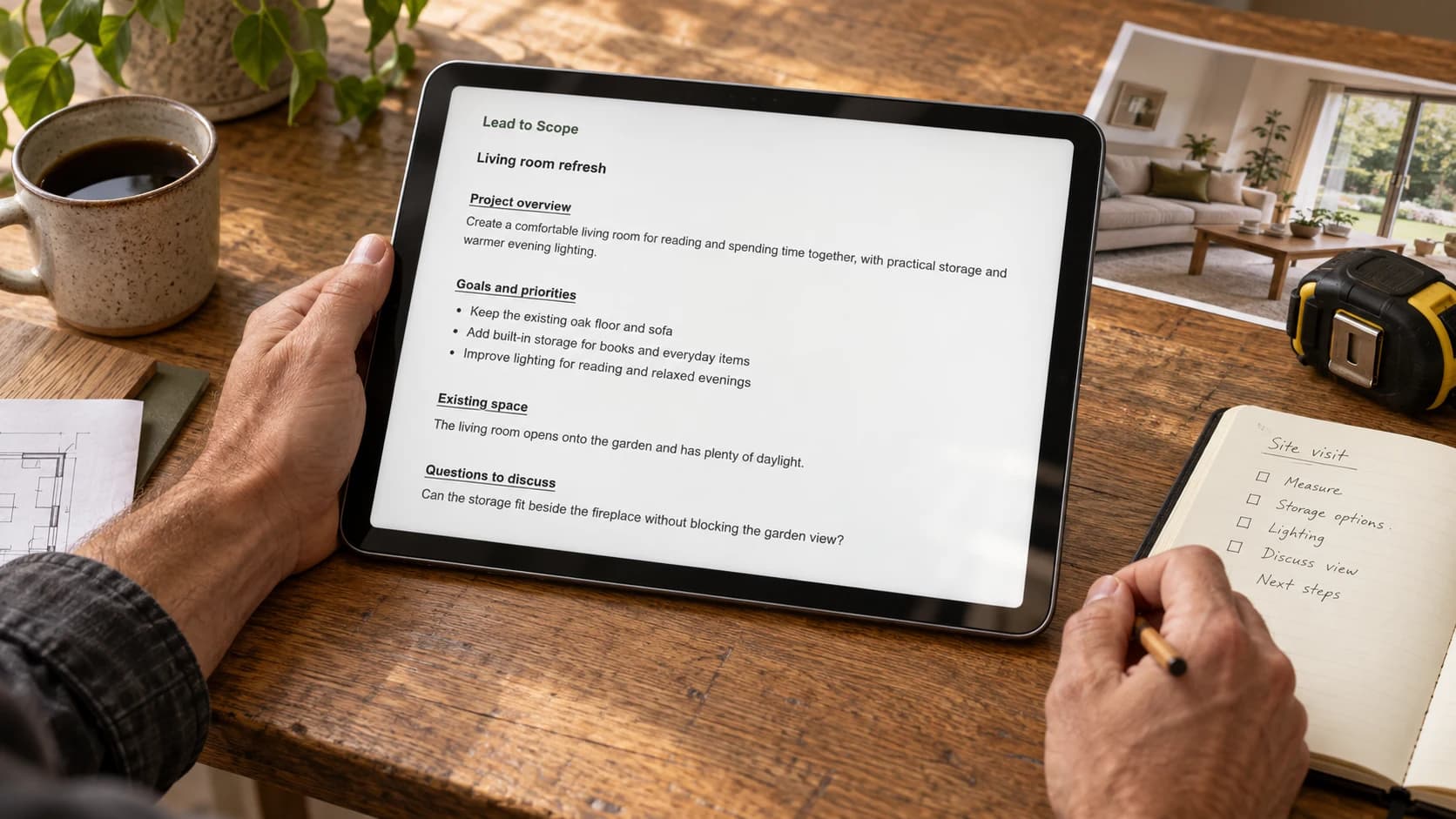
Get the details before arranging a visit
Send your homeowner one request to gather project details before you spend time on a call or appointment
Homeowners prepare and approve a file with photos, plans and priorities, saving you repeated follow-ups
Review their shared file, discuss questions by phone and decide together whether a site visit is needed

Project details ready to discuss
See whether each project fits your trade, schedule and workload before arranging a visit, so you can focus your time on work that makes sense for your business
Review photos, plans and priorities before the call, so you can discuss the work and next steps with the homeowner instead of repeating basic questions
Resolve open questions by phone and agree what needs an on-site look, so each visit has a clear purpose and your time goes toward assessing the work in person